The Alert Screen & Mute
Summary
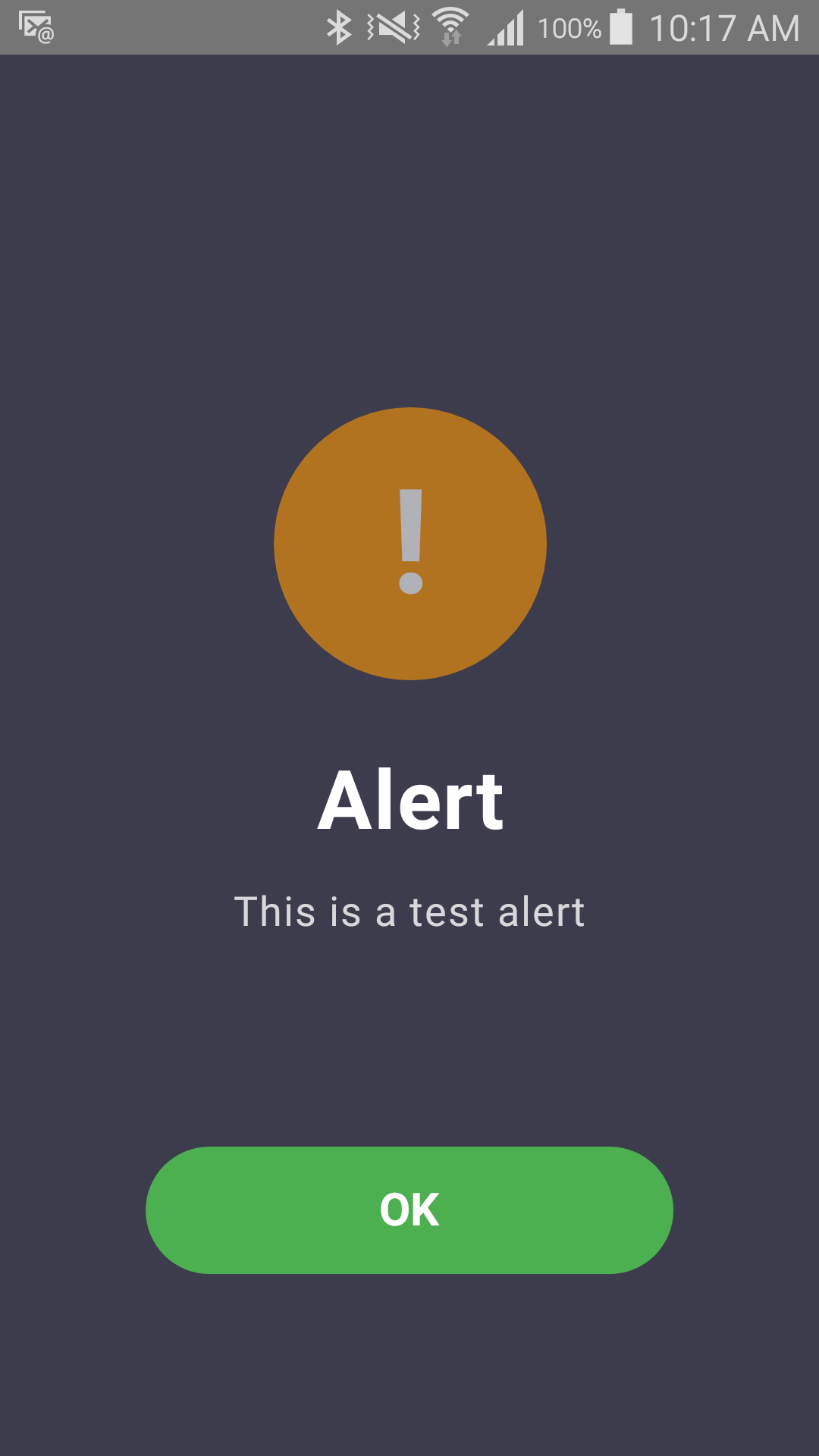
When a monitor triggers, every channel you've linked to it fires. If Alert Screen is one of them, the phone shows a full-screen, hard-to-miss alarm with sound. A Mute button appears while an audible alert is playing — it silences the sound/vibration on that device, but it does not turn off monitoring, and it does not stop text messages, calls, or emails already going out to your other caregivers.
Details
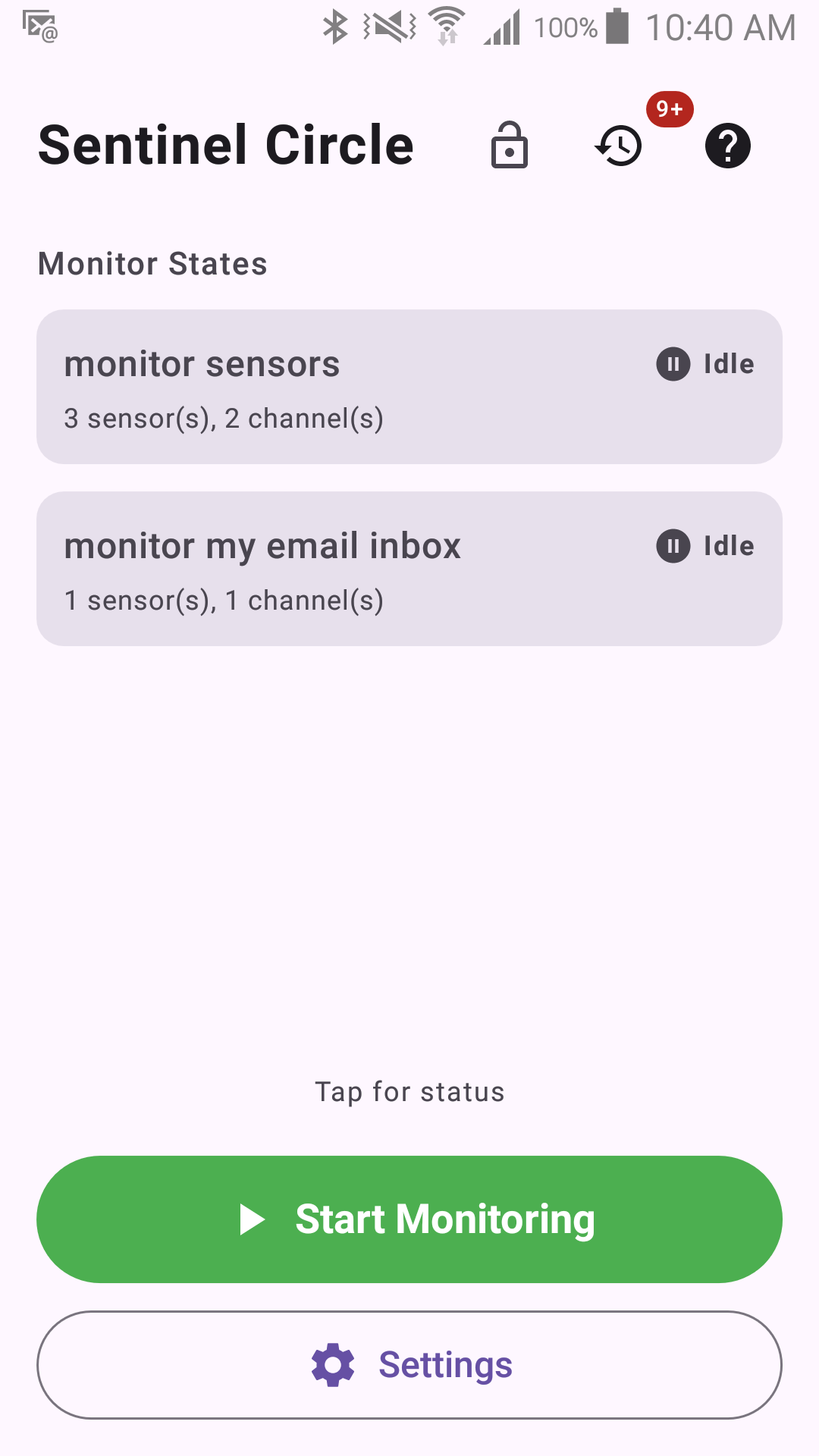
The Status screen when monitoring is stopped, before any alert has fired:
What Mute does and doesn't do
- Mute cancels only the audible/interactive channels currently running: Sound, Vibrate, and the Alert Screen's own alarm sound.
- Off-band channels are unaffected — SMS, Phone Call, Email, and WhatsApp continue exactly as scheduled, because muting the phone in front of you says nothing about whether a remote caregiver has actually been reached yet.
- A muted channel is not retried again for that alert — muting counts as the alert having been acknowledged on-device.
- Mute appears in the foreground notification whenever an audible action is currently running, so it's available even if you're not looking at the alert screen itself.
Recovering / clearing an alert
Once the monitored condition returns to normal (the person comes back home, the beacon is back in range), and if "Alert on Safe" is turned on for that monitor, you'll get a second, calmer notification confirming things are OK again. See How Monitors Work for how a monitor decides when it's safe again.