Screen Saver
Summary
The Screen Saver dims what's displayed after a period of inactivity, so a phone sitting on a shelf for weeks doesn't burn the same image into its display. Any tap dismisses it instantly. It is a setting of its own — it does not depend on "Keep Screen On", and works whether or not that is set.
Details
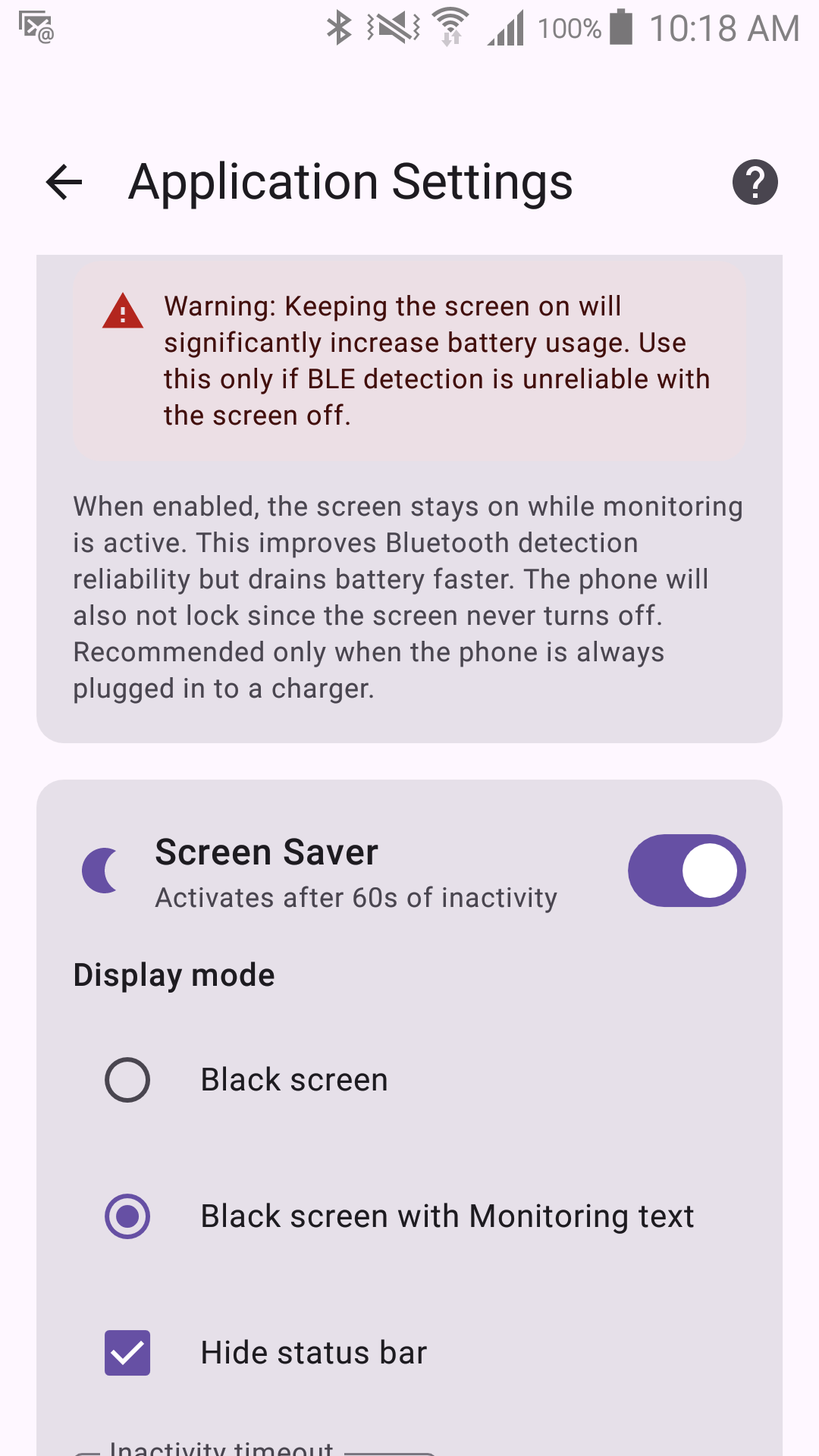
- When it activates: after a configurable period of inactivity (5–600 seconds, default 60s), but only while monitoring is active and the app is in the foreground.
- Two modes:
- Black — a plain black screen.
- Black with text — black, plus a faint "Monitoring" label that slowly drifts around the screen every 60 seconds, for extra burn-in protection.
- Dismiss: any tap anywhere on the screen dismisses it immediately and resets the inactivity timer.
- This is separate from "Keep Screen On" in Monitoring Settings, and neither switches the other on. Keep Screen On stops the phone's display from turning off entirely; the Screen Saver is what protects a display that stays on — which is most useful when Keep Screen On is set, but not conditional on it.