Channels Overview
Summary
Channels are how Sentinel Circle alerts you when a sensor fires. You can use several in one monitor as backup. There are two kinds:
- On-device channels (Alert Screen, Sound, Vibrate) alert the person carrying the monitored phone, right there on the device.
- Remote channels (SMS, Phone Call, Email, WhatsApp) reach you or another caregiver somewhere else.
Details
How retries work
- On-device channels — Alert Screen, Sound, and Vibrate — alert the person on their own device. As soon as any one of them gets through, Sentinel Circle stops; there's no need to try the others too.
- Remote channels — SMS, Phone Call, Email, and WhatsApp — reach different people, so each one is retried separately if it fails. One person's bad signal won't stop another from getting the alert.
- If a channel fails, Sentinel Circle tries again up to three times, waiting 5 seconds, then 30, then 60 — each wait measured from the end of the previous attempt, so a slow attempt pushes the next one out. A retry that is owed when the app is restarted is still delivered afterwards.
- "Partly delivered" counts as failed. If a text reaches one of three caregivers, the other two are what matters, so the channel is retried — which means the person who already got the message may get it again. A duplicate alert is deliberately preferred over a missing one.
Testing your channels
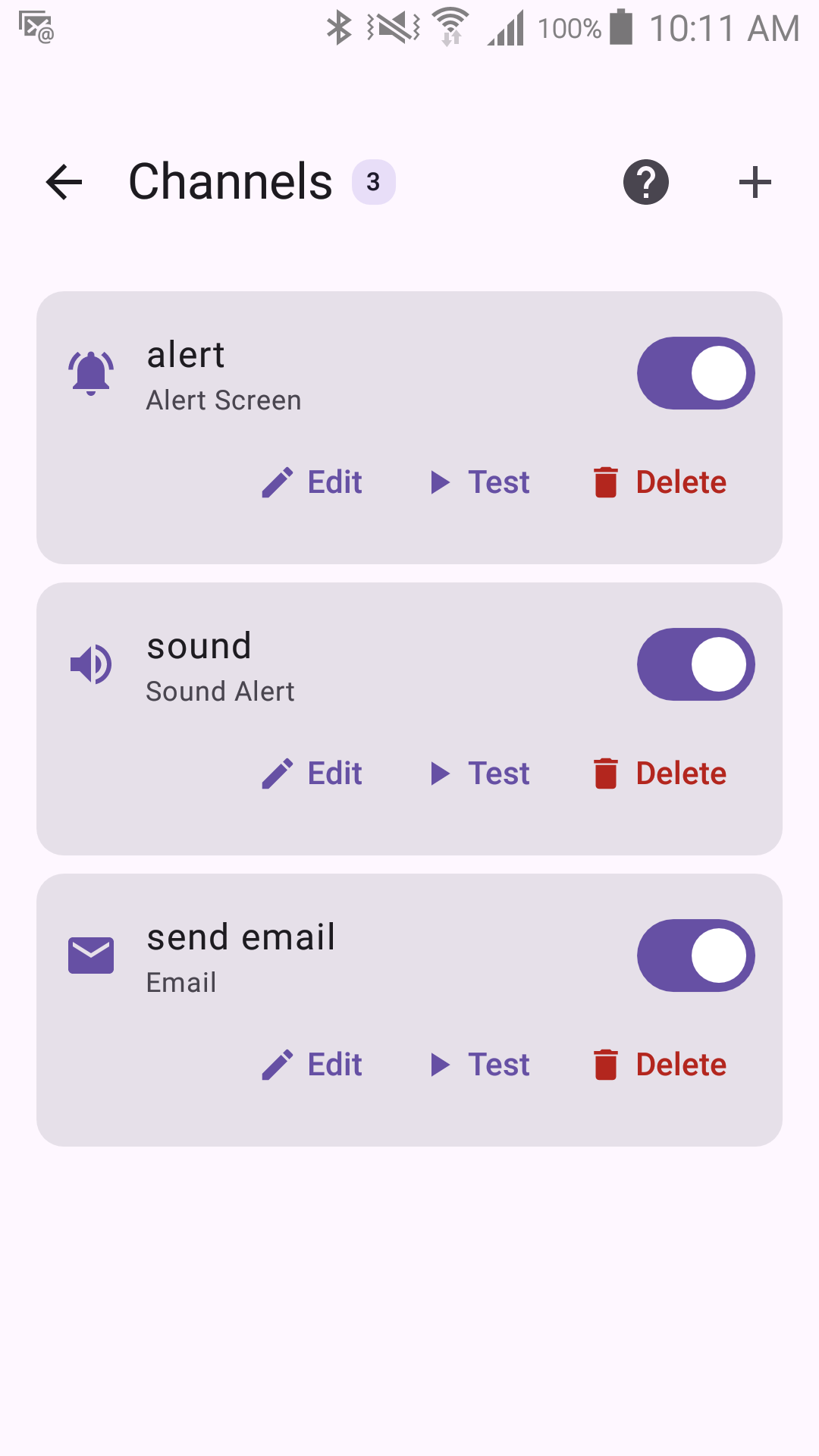
Every channel has a Test button so you can check it's working before you rely on it. Always test a channel right after setting it up. There's a real difference between testing it inside the editor (your unsaved draft) and testing it from this list (the saved configuration) — see Testing for the full explanation.
The channels
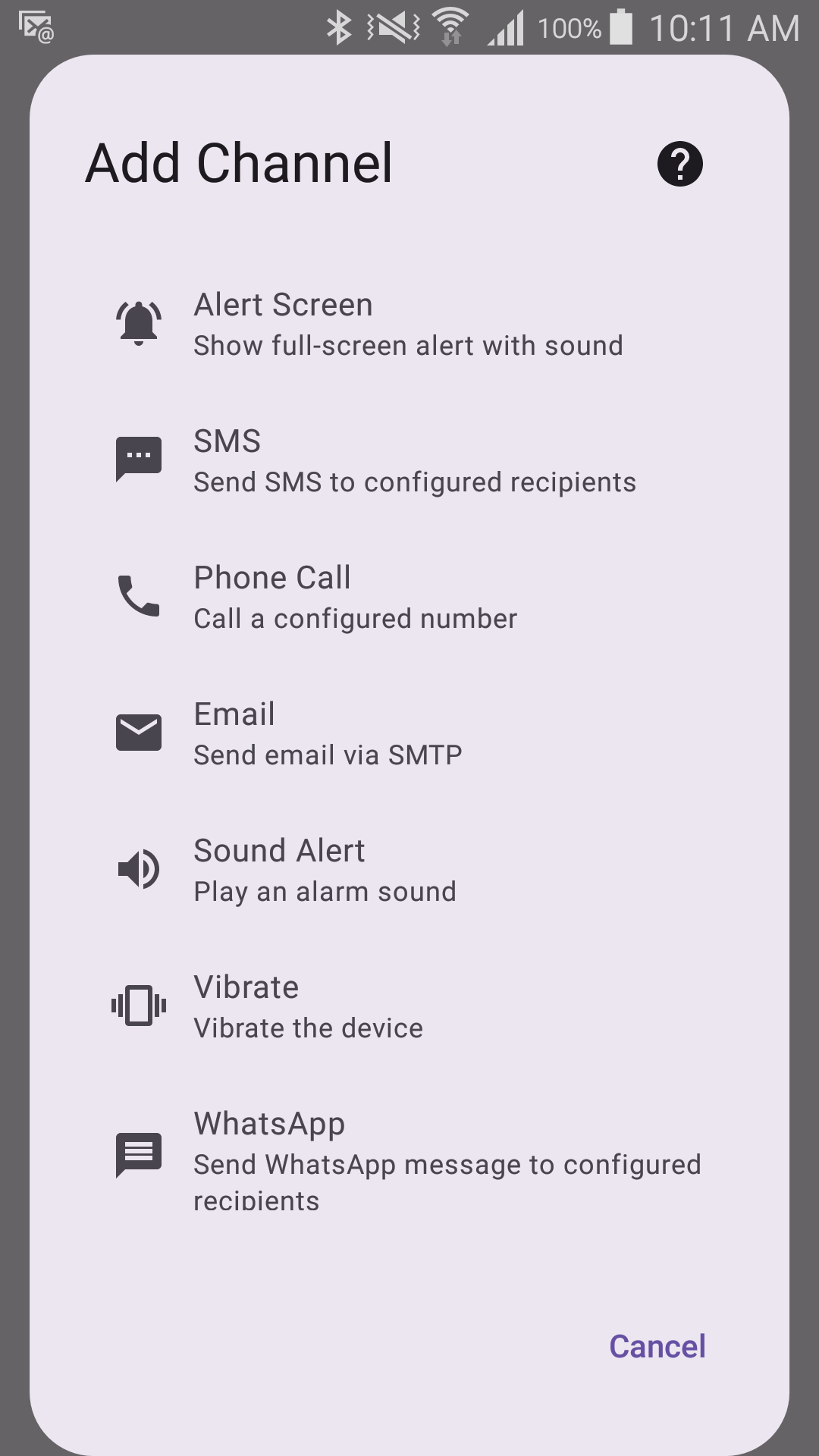
Captured with Experimental Features turned on in Application Settings. With it off, the WhatsApp entry is not in this list at all.
| Channel | Kind | Best for |
|---|---|---|
| Alert Screen | On-device | Reminding the person, right on their phone, to head back home |
| Sound | On-device | A strong audio cue on the device itself |
| Vibrate | On-device | A silent alert when sound isn't an option |
| SMS | Remote | Reaching remote caregivers without needing an internet connection |
| Phone Call | Remote | Urgent alerts that need immediate attention |
| Remote | Non-urgent alerts and keeping a record | |
| WhatsApp (Experimental) | Remote | Alerting people who use WhatsApp |