Alert Screen (on-device)
Shows a large, hard-to-miss warning screen on the monitored person's screen — a heading, one line of text and a single button — and can play a ringtone, flash the screen and vibrate to get their attention.
Best for: reminding the person, right on their phone, to head back home.
Details
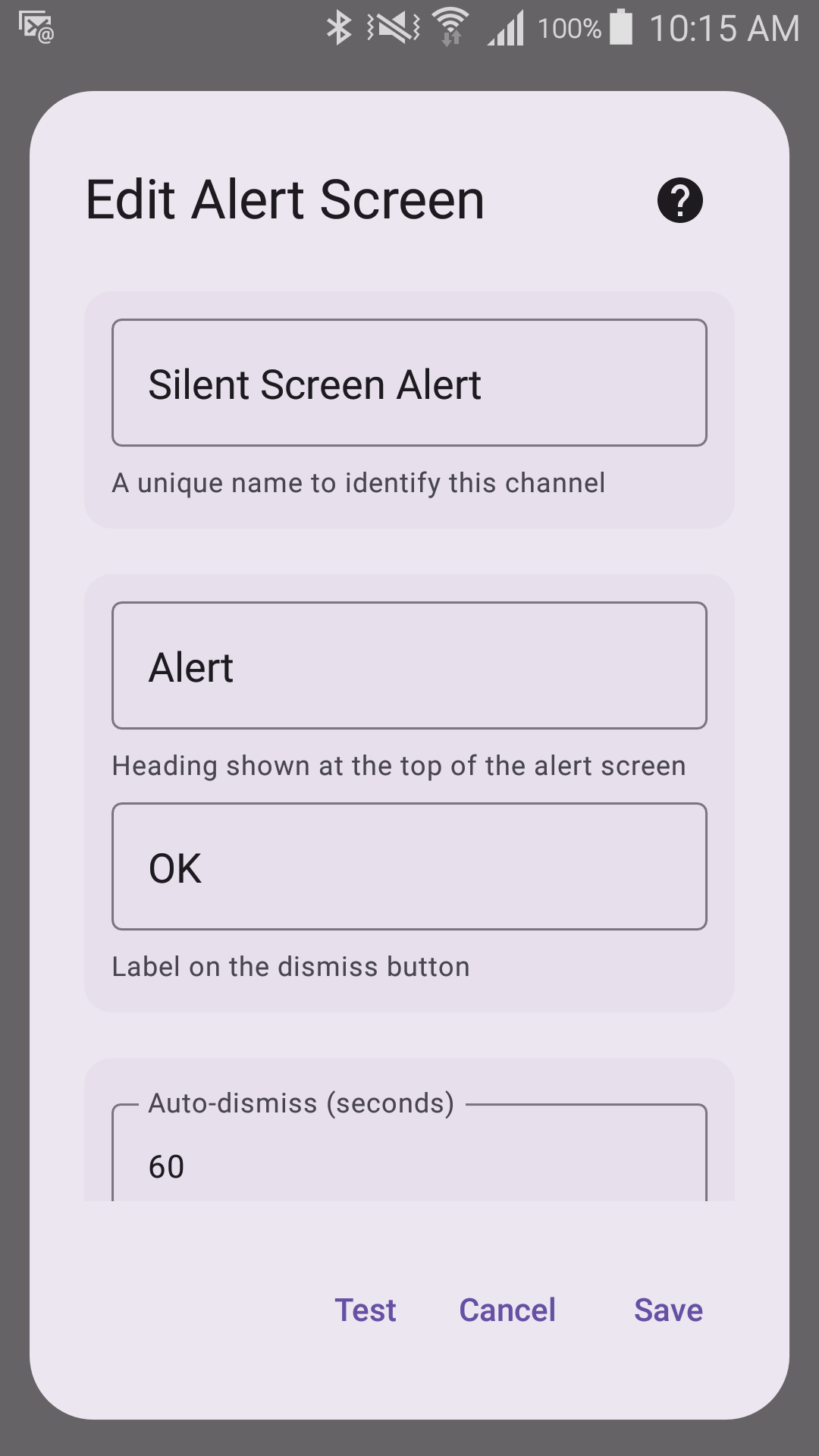
Options
- Custom title text
- OK button text
- Auto-dismiss after (1–600 seconds, default 60)
- Screen flashing (on by default — turn it off for anyone sensitive to flashing lights)
- Custom ringtone
- Sound volume (0.0–1.0)
- Vibration on alert (off by default)
Permissions
On Android 10 and newer the Alert Screen needs Display over other apps (and, on Android 14 and newer, Full-screen alerts). They are what let the alert open by itself when the app is closed or in the background. Without them the alert shows only as a notification that has to be tapped. Sentinel Circle asks for them when you save the channel and again before Start Monitoring.