Phone Call (remote)
Automatically dials a number when triggered. There's no recorded message — the recipient has to answer the call, and Sentinel Circle has no way to know if they did. It does check that the call actually started: if it didn't, the Event Log says so and the call is tried again.
Best for: urgent alerts that need immediate attention.
Details
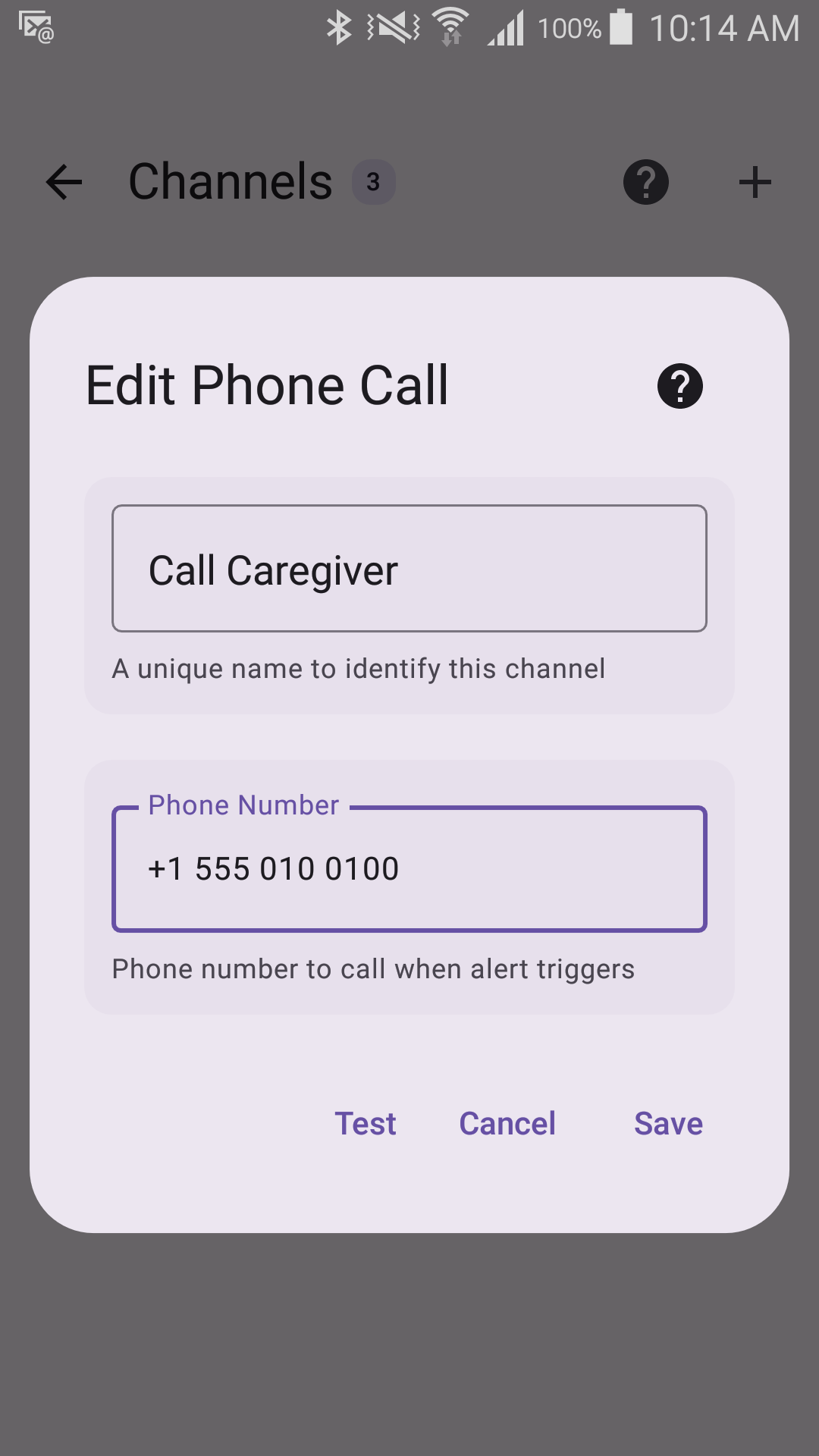
Options
- Phone number to call — 7 to 15 digits. If a number is rejected, add its country code (for example +45).
Emergency numbers (112, 911 and the like) can't be used. Android never lets an app call them: it only opens the dialer with the number filled in, so the call would never be placed.
A Phone Call saved before this rule, or imported from a backup, whose number can't be called is switched off — the number is kept so you can correct it, then switch the alert method back on.
The Test button places a real call to the number, the same way an alert would — it warns you first, so you can tell the person you are calling. Hang up when it rings. It then tells you whether the call started, or why it did not (for example a missing permission, no SIM card, or no mobile service).
When a call counts as made
Sentinel Circle counts the call as made once it has been on the line for 15 seconds. A call Android starts but can't connect (airplane mode, no SIM card) drops off sooner, so it is treated as failed and tried again. Because of this, if the person you are calling declines or hangs up within the first 15 seconds, Sentinel Circle calls them again. Whether they answered can't be known either way.
Advanced: use another calling app if this phone can't call
Off by default. Turn it on for a phone that has no SIM card or no mobile service but has a calling app such as Zoom. When the phone app cannot place the call, Sentinel Circle hands it to that app instead. Two things to know:
- Such a call cannot be confirmed — Sentinel Circle can't tell whether an internet call connected — so it counts as sent and is not retried. Use another alert method alongside it.
- If several calling apps are installed, Android may ask which one to use. On a phone nobody is holding, nobody will answer that question, so keep only one calling app on a monitoring phone.
Requires
- Phone permission
- "Display over other apps" (Android 10 and later)
- Active phone service
When the call doesn't start
If Android blocks the call, another call is already in progress, or a phone with two SIM cards is waiting for someone to choose one, the call never starts. The Event Log records it as failed, Sentinel Circle tries again later, and a notification is shown if every alert method failed.