Sound (on-device)
Summary
Plays an alarm sound through the device speaker, at your phone's alarm volume rather than its notification volume.
Best for: a strong audio cue on the device itself.
Details
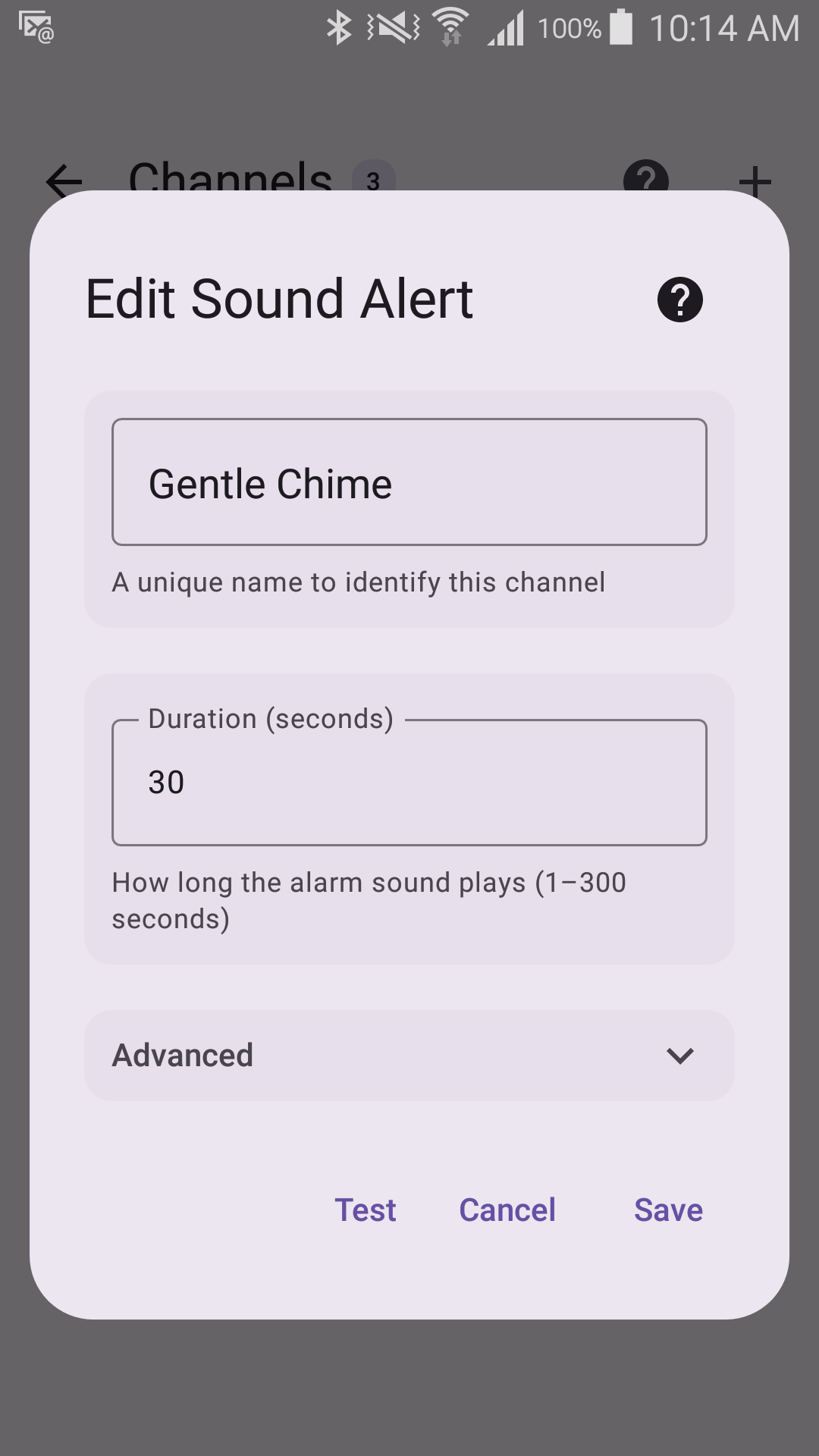
Options
- Sound to play (default: your phone's system alarm sound)
- Duration (1–300 seconds, default 30)
- Volume (0.0–1.0, default 1.0)
Sentinel Circle cannot tell whether the alarm was heard
The volume here is relative to the device's own alarm volume. If that alarm stream is turned down or silenced on the phone — or this channel's volume is set to 0 — the alert is still recorded as delivered, because Android reports the sound as played whether or not anything was audible. Nothing is retried and nothing is flagged.
If the Sound channel is the one you are relying on, check the phone's alarm volume (not its ringtone volume) as part of your routine, and pair Sound with a remote channel such as SMS or email so a silent phone is not a silent alert.