Application Settings Overview
Summary
Application Settings (the gear icon on the Status screen) is where everything that isn't a Sensor, Channel, or Monitor lives: monitoring behavior, display preferences, app info, and configuration backup. It's grouped into a few cards you can scroll through.
Details
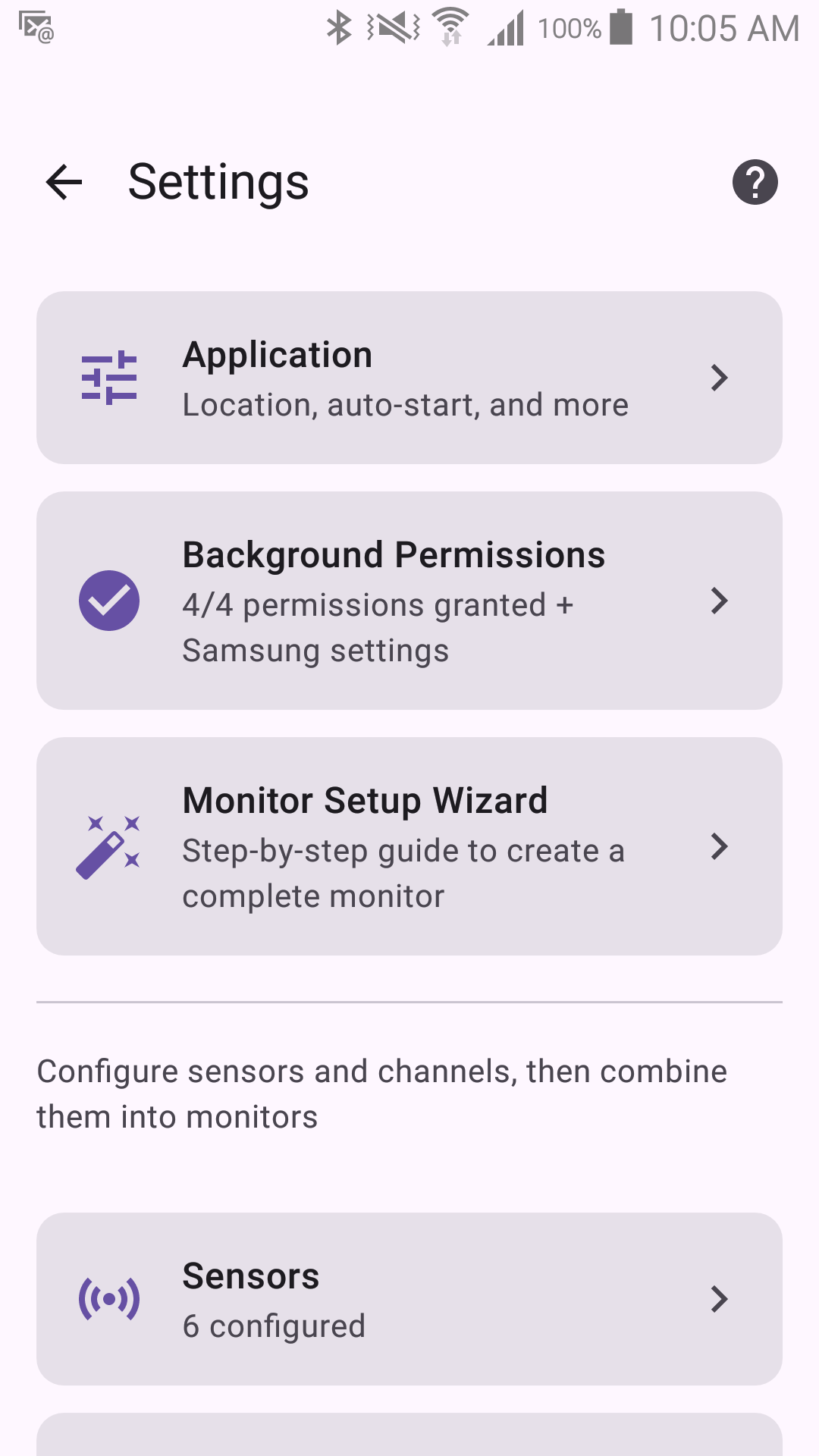
Settings is organized into these sections, each covered on its own page:
- Monitoring Settings — Location Setting, Startup Behavior (what happens when the app is opened), Bluetooth Scan Mode, Keep Screen On, Screen Saver.
- Display Settings — Language, Theme, Use device colors, and Display Rotation.
- App Info & Permissions — About, a shortcut to Android's permission screen, Experimental Features toggle, App Lock / Emergency Unlock, power/battery notes.
- Import & Export — back up and restore your configuration.
The Settings screen itself also carries a Background Permissions entry. It shows how many of the permissions your current configuration needs are granted ("3/5 permissions granted"), turns into a warning icon when any are missing, and opens the setup wizard where each one has its own button. There is no separate "Missing Permissions" panel — this entry is the place to look.
Your configuration is locked while monitoring is armed — stop monitoring first if a sensor, channel, monitor or monitoring setting won't respond to a tap. This is deliberate: it prevents a configuration change from landing mid-session while sensors are actively watching for something. A few things are deliberately not locked, because they have to work during a session: the display settings, the app lock, dismissing a one-time notice, and switching the Status view. A subscription purchased during a session is held and applied the moment you stop monitoring.