The Free Trial
Summary
Sentinel Circle starts every install on a 90-day free trial, counted from the very first time you open the app. As the trial winds down you'll see a warning, then a short grace period — but monitoring itself keeps running through all of it, right up until the trial is fully locked, because this is a safety feature and shouldn't stop on you without warning.
Details
The trial moves through four phases:
A small trial icon sits in the Status screen's header for the whole trial, not just at the end. It does not appear and disappear — instead it changes colour as the trial runs down, from green through amber to red, reaching full red at expiry. That way it tells you where you are from day one rather than alarming you on day 87.
- Active — the normal state, for most of the 90 days.
- Ending Soon — the last 3 days of the trial. The icon is well along the amber-to-red ramp, and a red "days left" badge and summary line appear alongside it.
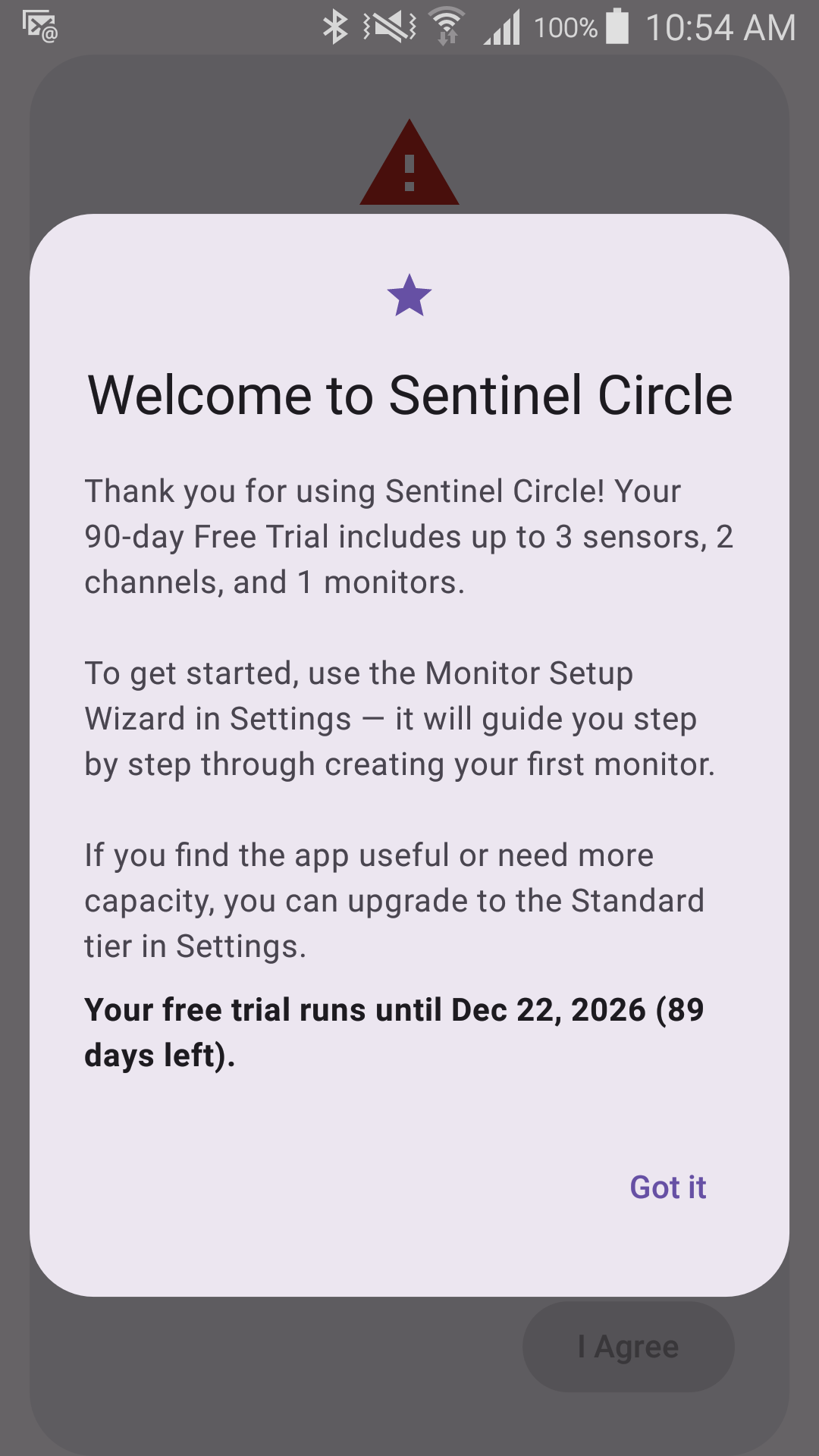
- Grace — the 3 days immediately after the trial expires. Monitoring still runs normally during grace — a lapsed trial on the day of a family emergency shouldn't leave anyone unwatched.
- Locked — after grace ends, monitoring is blocked until you upgrade. Your configuration itself is never touched — every sensor, channel, and monitor you built stays exactly as you left it, ready to resume the moment you upgrade.
Once the trial is over, upgrading to Standard (see Tiers & Upgrading) removes the lock immediately — nothing needs to be reconfigured.
During Ending Soon and Grace, a short reminder is also appended to the text of outgoing SMS, email, and WhatsApp alerts, so a caregiver receiving an alert also learns the trial needs attention soon. This reminder is never added to the on-device Alert Screen itself.